Embedding Enterprise AI tools for Designers and Engineers
Five AI tools for Designers and Engineers. One design philosophy: use AI to raise quality, not just cut time.
- AI and tooling
- Design systems
- Enterprise delivery
My role - Head of Design, Elevate Design System
As Head of Design, I created the vision and the direction for a suite of AI tools that focused on quality, not just efficiency. My leadership ensured the team had the clarity and capability needed to deliver these tools.
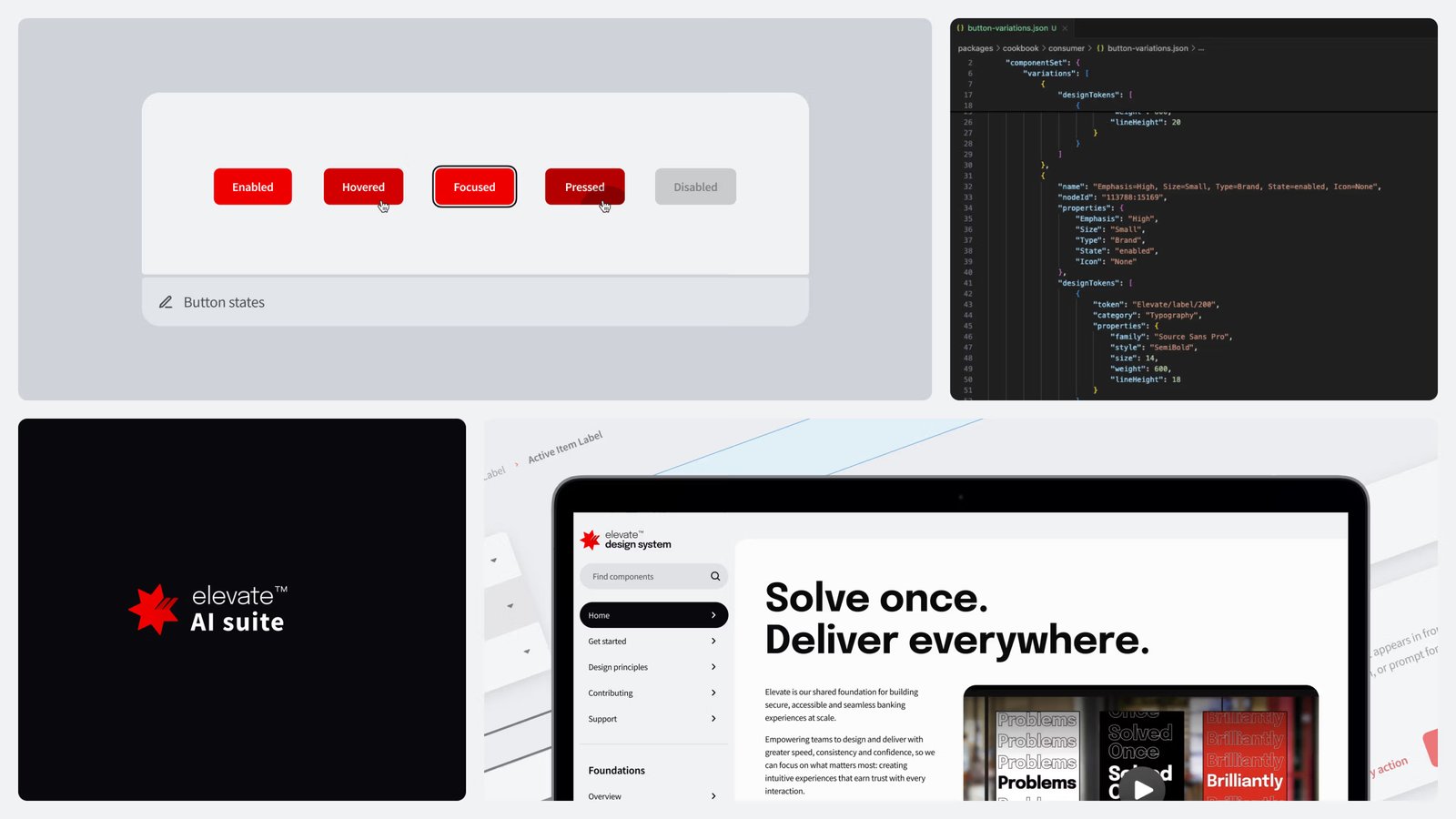
The impact - AI tools that deliver quality and efficiency
-
Designers
75%reduction in time spent creating flows for existing platforms
Output reuses Elevate Design System components rather than hallucinating them, so it is higher quality and system aligned by default.
-
Engineers
86%reduction in component and build time
Code is generated to enterprise standards rather than corrected downstream.
-
Enterprise
255guidance rules embedded in the AI landscape
Five tools available for reuse across the organisation, encoding NAB's standards into the tooling itself rather than relying on individual compliance.
-
Commercial
Self-fundingROI metrics generated by the tools themselves
Those metrics have been used to fund subsequent initiatives, creating a self-sustaining investment case for quality-led AI work.
5 key AI tools - driving quality for design and code
-
Lighthouse
Design quality
Scores a Figma file against design system standards, shows the gaps, and returns a plan with the time and cost of closing them.
- Figma
- Cursor
-
Scribe
Content quality
Checks any piece of content against NAB brand and UX writing guidelines, then aligns it. Same answer every time.
- Copilot
- Cursor
-
Generator
Code quality
Builds application code on NAB standards and Elevate components, so what ships is tested and consistent by default.
- Cursor
-
Navigator
Project effectiveness
Audits the design and code in a project, plans the fixes, and puts an effort and resource figure against them.
- Cursor
-
Cosmos
Strategic planning
Maps every React application across the organisation and its dependencies, with a traffic light on what needs investment.
- Cursor
- Web app
My approach - lead with quality, prove it, then scale
-
01
I made the Design System AI ready.
I worked with our team tirelessly to ensure every component, token, decision and piece of documentation was machine readable, by creating a markdown version of the entire design system.
-
02
I mandated a quality first focus.
Speed is a given for AI because it's expected. I pushed the team to lead with making any AI output better quality. That meant all output from AI needed to meet our high human standards.
-
03
I started with a pilot.
A contained project helped us quickly measure the value of the tools. We then validated them and scaled using the crawl, walk, run method.
-
04
I drove adoption through storytelling.
I screamed about the value and replayed the metrics at every opportunity I got. I used my existing relationships with senior stakeholders to quickly gained traction across more than 10 product teams, with multiple squads in each.
How I did it - with no budget
Resource figures
Design System Resources
TOTAL
89 hours +
+ 11% from last month
1 to 31 August 2025
+ 195
- 187
* Diagram for illustration purposes only, no real data used.
There was no budget. Using my relationships in the organisation, I ensured that the Elevate team were sought after for their skills. As such I was able to create a chargeback model for parallel work that then funded the creation of the suite of AI tools. I then used the efficiency and quality metrics to prove ROI for the tools and was able to influence senior stakeholders to unlock further investment.
What I would do differently
Enlist the service of our vendors, earlier. While we were co-designing and co-facilitating sessions with our vendor partners (e.g. Cursor, Microsoft, Amazon) I would have engaged their help much earlier to help us build out the tools.